
2D Platformer – Player Movement System
A robust player controller system for a 2D platformer, featuring running, jumping, wall climbing, dashing, and physics-driven mechanics.
Overview
The Player Movement System is the foundation of my 2D platformer project. It provides smooth and responsive controls for the main character, including basic locomotion, jumping, wall climbing, dashing, and interaction with platforms. The system was designed iteratively: starting from simple left–right movement and gradually expanding into advanced mechanics like wall sliding, wall jumping, dashing with cooldowns, and platform dropping.
Cinemachine and follow cameras ensure the player always remains in the center of the frame, while visual effects (smoke, trails, speed boosts) and animations (idle, run, jump, wall climb) bring the movement system to life.
Development and Gameplay
- Basic Movement: Horizontal walking and running with directional flip logic.
- Jumping System: Multi-jump (double jump), early jump cancellation, and grounded reset.
- Wall Mechanics: Wall sliding with controlled descent, and timed wall jumps that push the player away from walls.
- Dash Ability: Directional dash with trail effects, cooldowns, and temporary collision ignoring for smooth transitions.
- Platform Drop: Temporary collider disabling allows the player to pass through one-way platforms.
- Gravity Handling: Custom fall speeds and maximum velocity capping ensure precise platformer feel.
- Temporary Boosts: Integration with power-ups like speed boosts, with feedback through particle systems.
- Animation Sync: Animator parameters are updated every frame to reflect velocity, wall state, and actions.
Sprites & Visuals
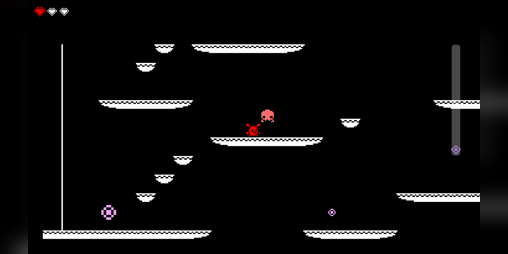
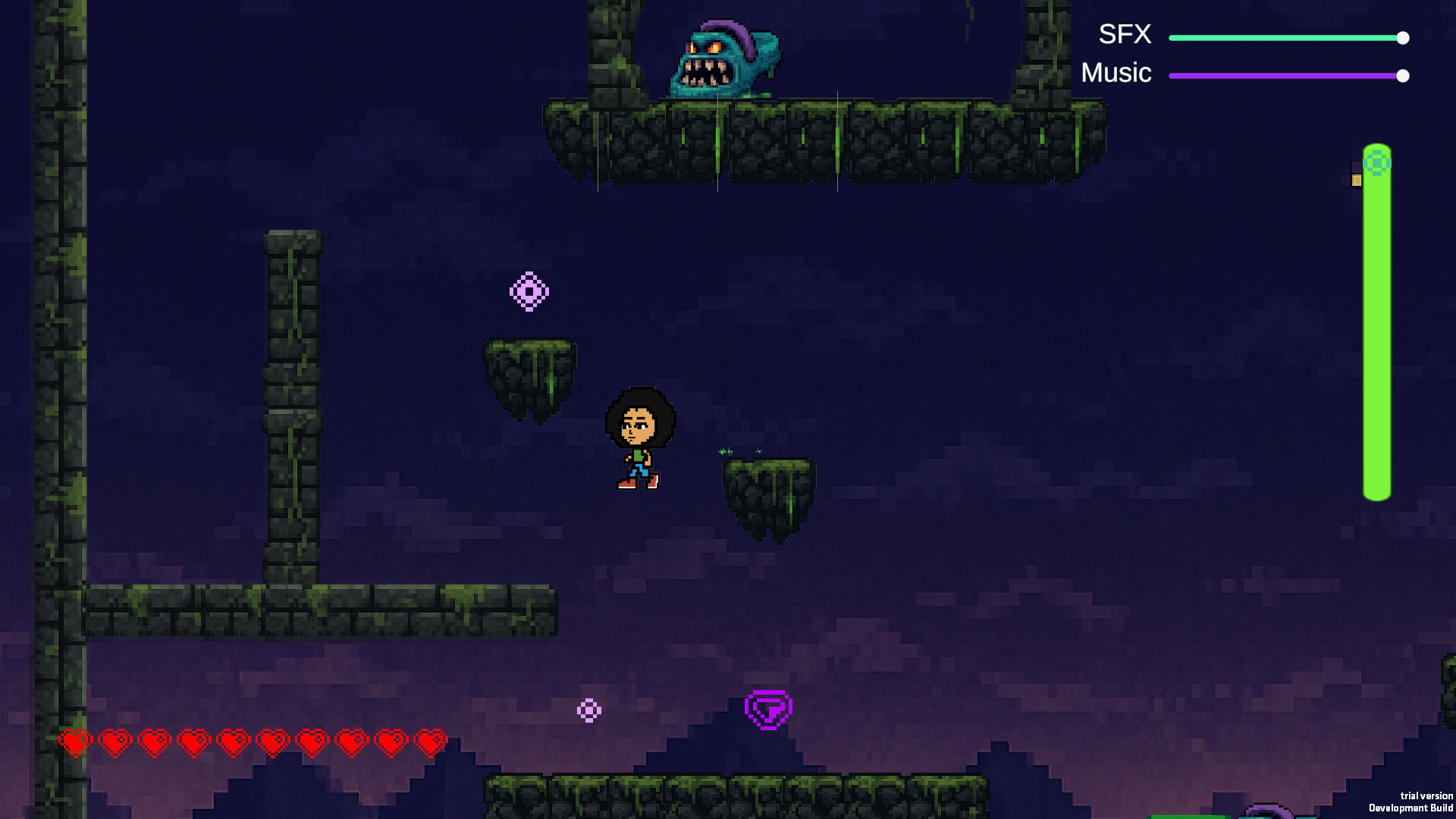
Visual Evolution — Before vs After
The transformation from the early prototype to the polished build shows how much the overall look and feel improved.
Early Prototype
The early prototype had a very rough interface with placeholder art, minimal backgrounds, and basic text-based UI. It mainly focused on getting mechanics right rather than presentation.
Polished Build
The polished build introduced styled menus, refined pixel art, consistent color palettes, and smoother animations — resulting in a more cohesive and professional look.
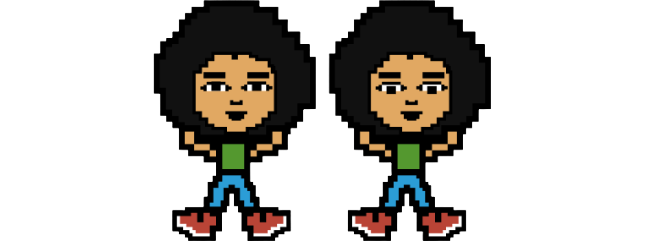
Here are the main sprites used in the Player Movement System:
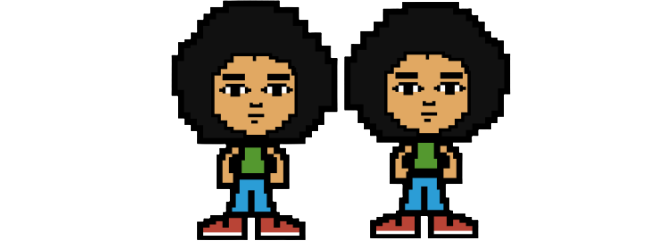
Idle Animation
The idle animation gives life to the character when standing still. Subtle breathing movements make the player feel grounded in the world even when no input is given.
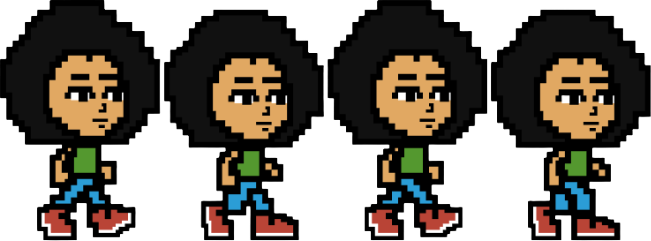
Run Animation
The run animation is synced with the player’s horizontal velocity. It combines dust particles for a sense of speed, making movement responsive and visually satisfying.
Jump Animation
The jump sprite emphasizes vertical lift with stretched poses, paired with smoke particles at takeoff to enhance impact.
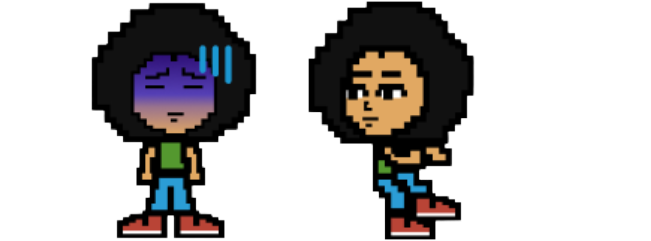
Wall Climb / Slide
The wall slide animation shows the character gripping the wall while slowly sliding down, paired with sparks and friction-like effects for feedback.
Future Scope
- Refined wall jumping with coyote time.
- Attack/movement integration.
- Dynamic camera zoom and parallax.
- ScriptableObjects for movement configs.
- Accessibility features like auto-grab walls or unlimited jumps.
Play Demo
Play on Itch.io (link)